
Angel evolves,
thanks to your feedback.
New features, improvements and fixes: everything that changes in Angel, release after release.
September 2026
- Sep 25New featureGeneral· Sep 25
Your invoices go to your accountant on their own
Enter your accountant's software and its drop-off address in your settings: your approved purchase invoices are sent there automatically. Each invoice shows where and when it was sent, and if a delivery fails, you're notified and can resend it in one step.

- Sep 25New featureFinancial cockpit· Sep 25
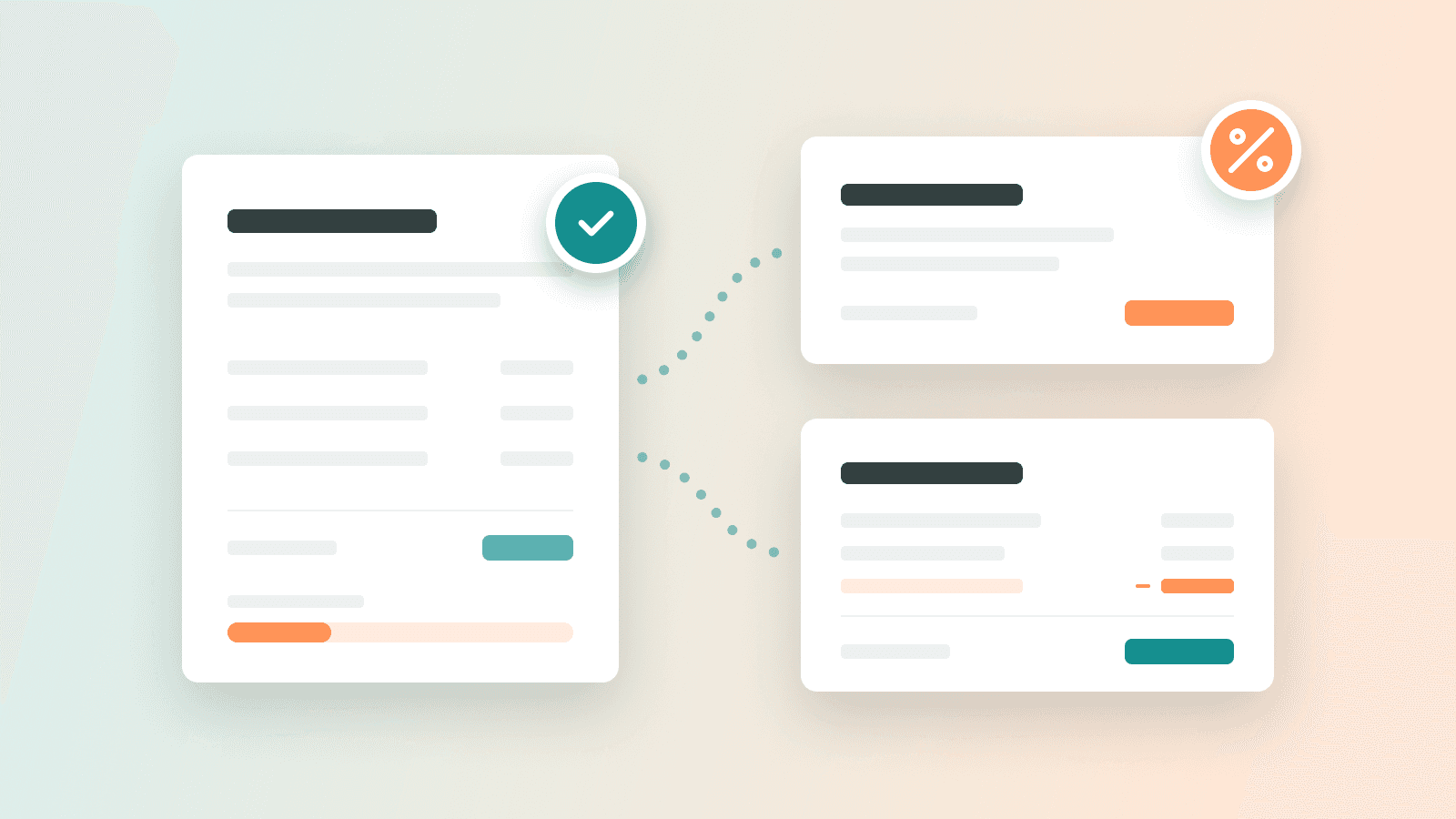
Invoice your deposits in one click
Add a deposit to your quote, for example 30% on order: your client sees it before accepting. Once the quote is accepted, one click prepares the deposit invoice, and the final invoice automatically deducts what has already been billed. You can request several deposits before the final invoice, and everything stays compliant with e-invoicing rules.
- Sep 24
- Sep 23New featureGeneral· Sep 23
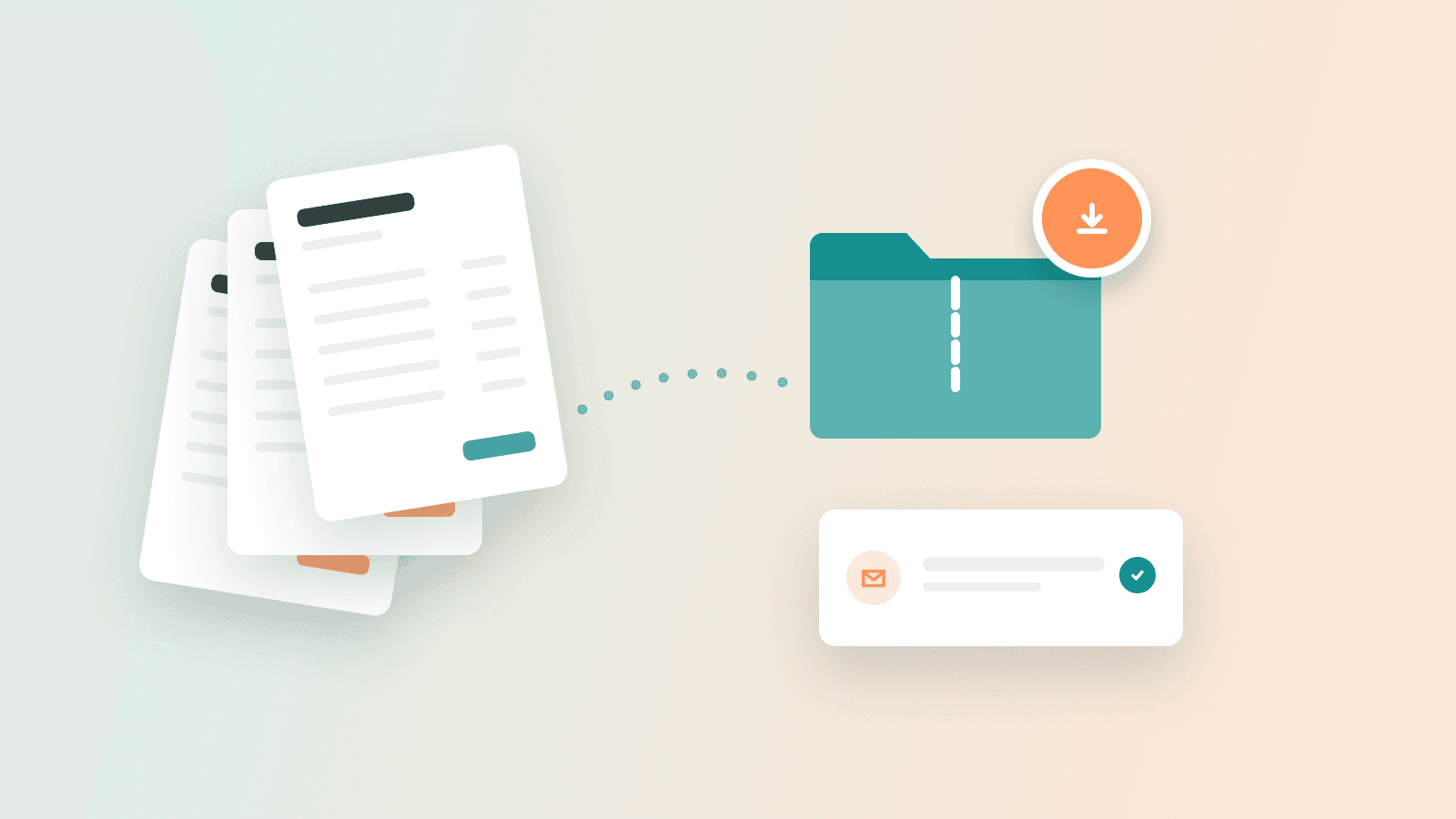
Export all your invoices in one archive
Sales, purchases and credit notes: pick a period and Angel prepares an archive with every document and a summary. You get an email when it's ready, and the “only new ones” option saves you from sending the same invoices twice. Your accountant can also run it from their own space.
- Sep 23ImprovementGeneral· Sep 23
Angel gets a fresh look
A new look across the whole app: warmer colors, easier-to-read headings and empty pages that guide you. The Bank page groups your transactions by day, and you can enter a whole month of forecast at once.

- Sep 22ImprovementBanking· Sep 22
Your data sources, easier to manage
Banks, invoicing tools and accounting now connect from a single “Sources” panel. Each source has its own page: sync status, reconnect, disconnect and contact support.
- Sep 21New featureGeneral· Sep 21
Receive supplier invoices by email
Your company now has its own inbound email address. Forward your invoices to it, or give it to your suppliers: they land in your review queue, read automatically. A log shows what was added, and a morning email lets you know when something new arrives.

- Sep 21New featureAI· Sep 21
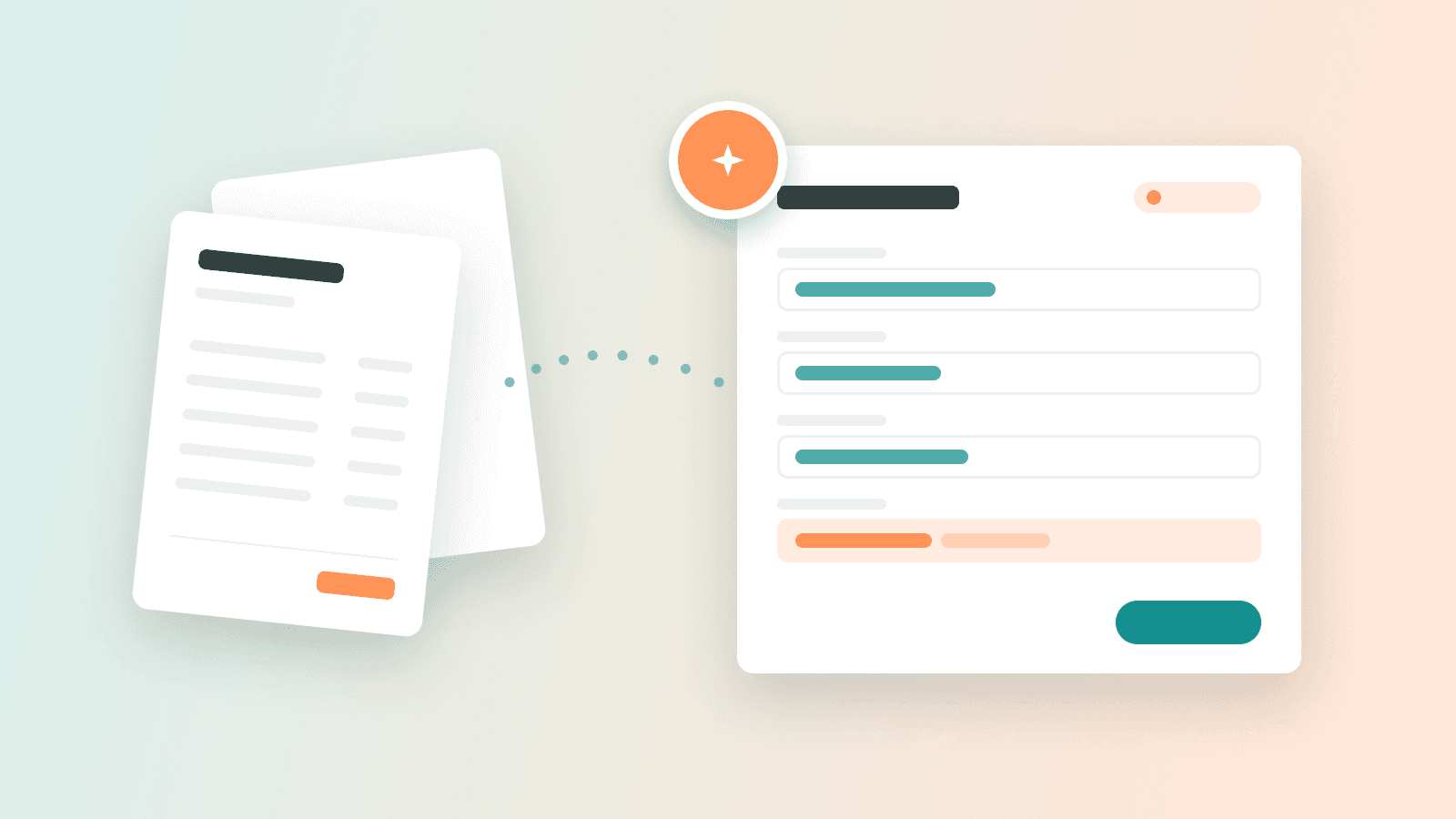
Drop your invoices, Angel reads them for you
Drag your purchase invoices onto the page, up to 50 at a time: PDF, scan or photo. Angel reads the supplier, number, dates and amounts, and you watch them fill in. Check them in your review queue, where duplicates are flagged, then approve.
- Sep 18ImprovementGeneral· Sep 18
Clearer invoicing pages
Clients, sales, quotes and credit notes now share the same layout, with a Sending and Receiving menu. See what each client owes, your overdue invoices in their own tab, and your quote acceptance rate.
- Sep 18New featureFinancial cockpit· Sep 18
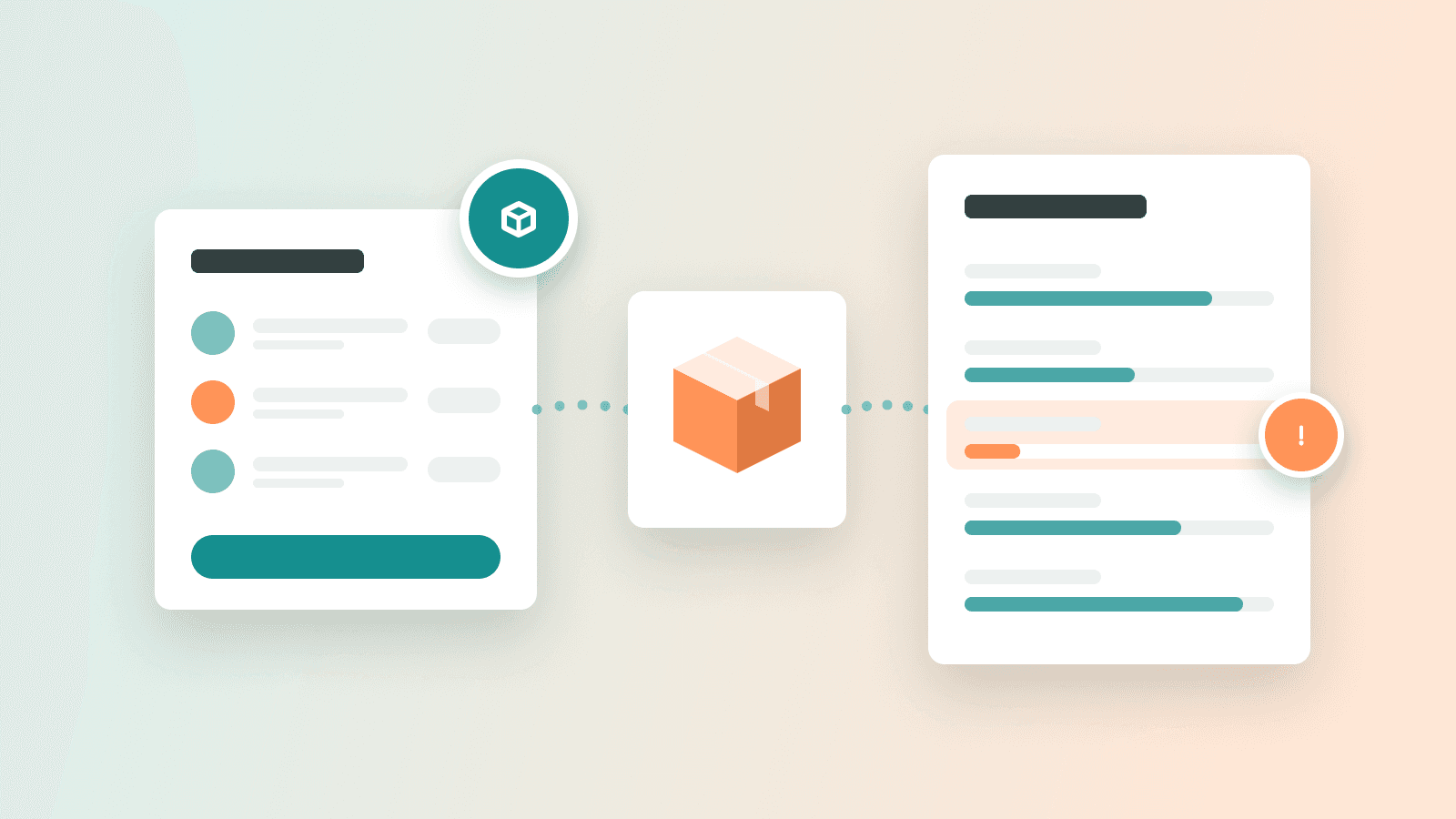
Stock and production: track what you make
Track your raw materials and finished goods: quantities, value, cost price and margin, with an alert before you run out. Describe your recipes, launch production runs, take inventory, and let your purchase invoice lines go straight into stock. Turn the module on from your catalog.
- Sep 16ImprovementBanking· Sep 16
Categorize in one click, right from the line
File a transaction or an invoice straight from its line, in a panel that opens alongside. An “Uncategorized” filter shows what's left to sort.
- Sep 16New featureGeneral· Sep 16
All your invoices, wherever they come from
Your invoice lists now bring everything together: invoices created in Angel, those from connected tools like Pennylane and the e-invoices you receive, each showing where it came from. An imported invoice opens read-only with its PDF, and the totals bar follows your filters, with credit notes deducted.

- Sep 15ImprovementGeneral· Sep 15
Your invitations go out in your name
When you invite a teammate or your advisor, the email goes out in your name, and their reply comes straight back to you.
- Sep 11ImprovementFinancial cockpit· Sep 11
Card view, arranged your way
In a list's card view, drag your cards into the order you want (it sticks), add or reorder columns, and filter just like in the table. Angel can also do it for you from the chat.
- Sep 11
- Sep 11
- Sep 10ImprovementBanking· Sep 10
Bank connections that tell you what to do
When a connection to your bank or a tool needs your attention, Angel tells you why and what to do, with a button to reconnect or ask for help. If access expires, you get an email to renew it.
- Sep 10New featureAI· Sep 10
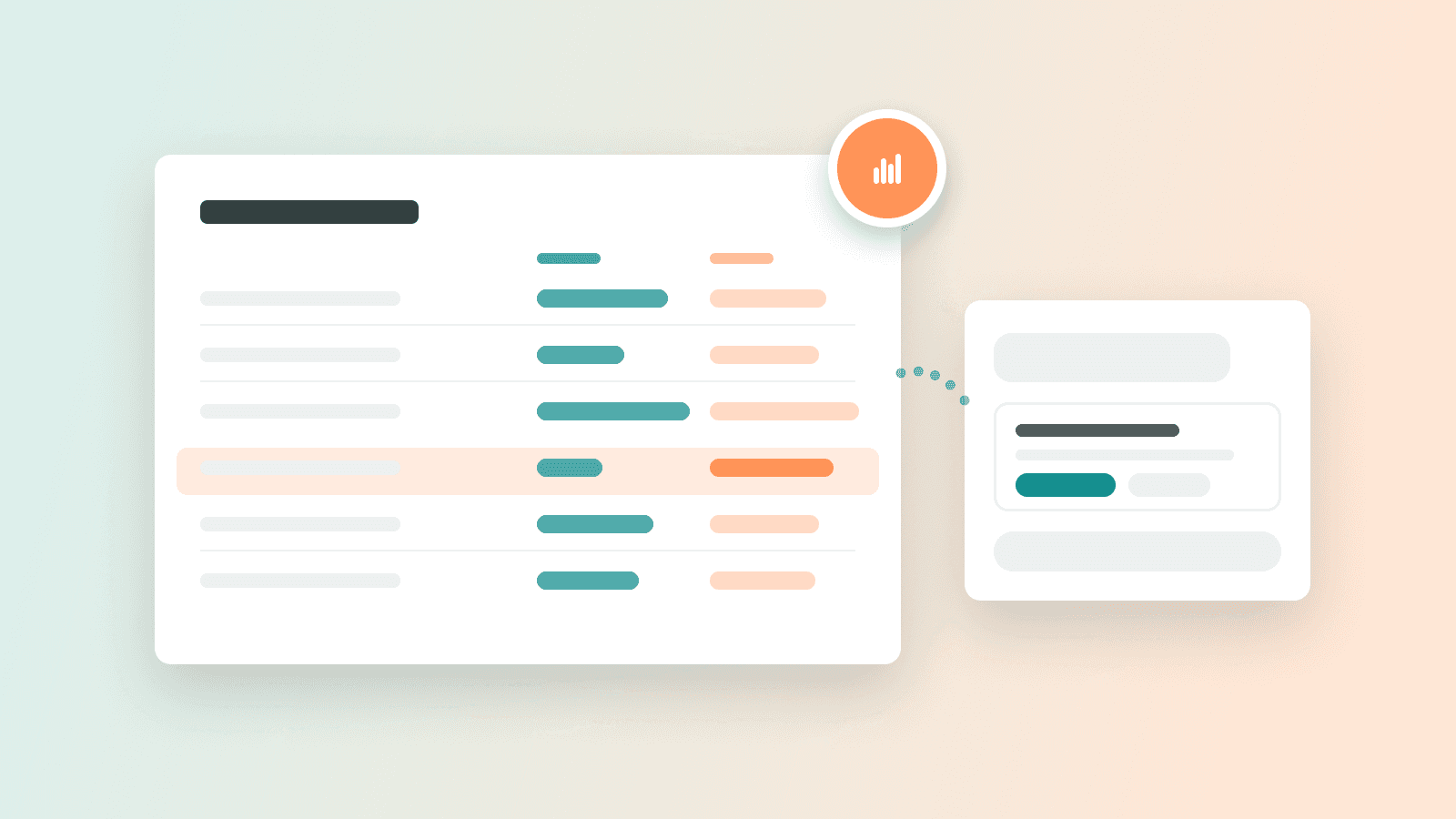
Compare actuals to your forecast, line by line
Drop your accounting export (the French FEC file) into the chat or during setup: Angel uses it, along with your bank, to show you line by line where actuals differ from your forecast. It then suggests how to adjust each line, and nothing changes without your approval.
- Sep 10New featureFinancial cockpit· Sep 10
Get started in three steps
A simpler start: a short conversation with Angel about your business, then connecting your data sources (bank, invoicing, accounting), then choosing the page you want to start from. Any step can wait with “Later”.

- Sep 10New featureGeneral· Sep 10
A dedicated space for firms and their clients
Accountants and business advisors now have their own space: a client portfolio, a team with roles, and new client files opened from a company registration number. On your side, invite your advisor from “My advisors” and message their firm without leaving Angel.

- Sep 3New featureBanking· Sep 3
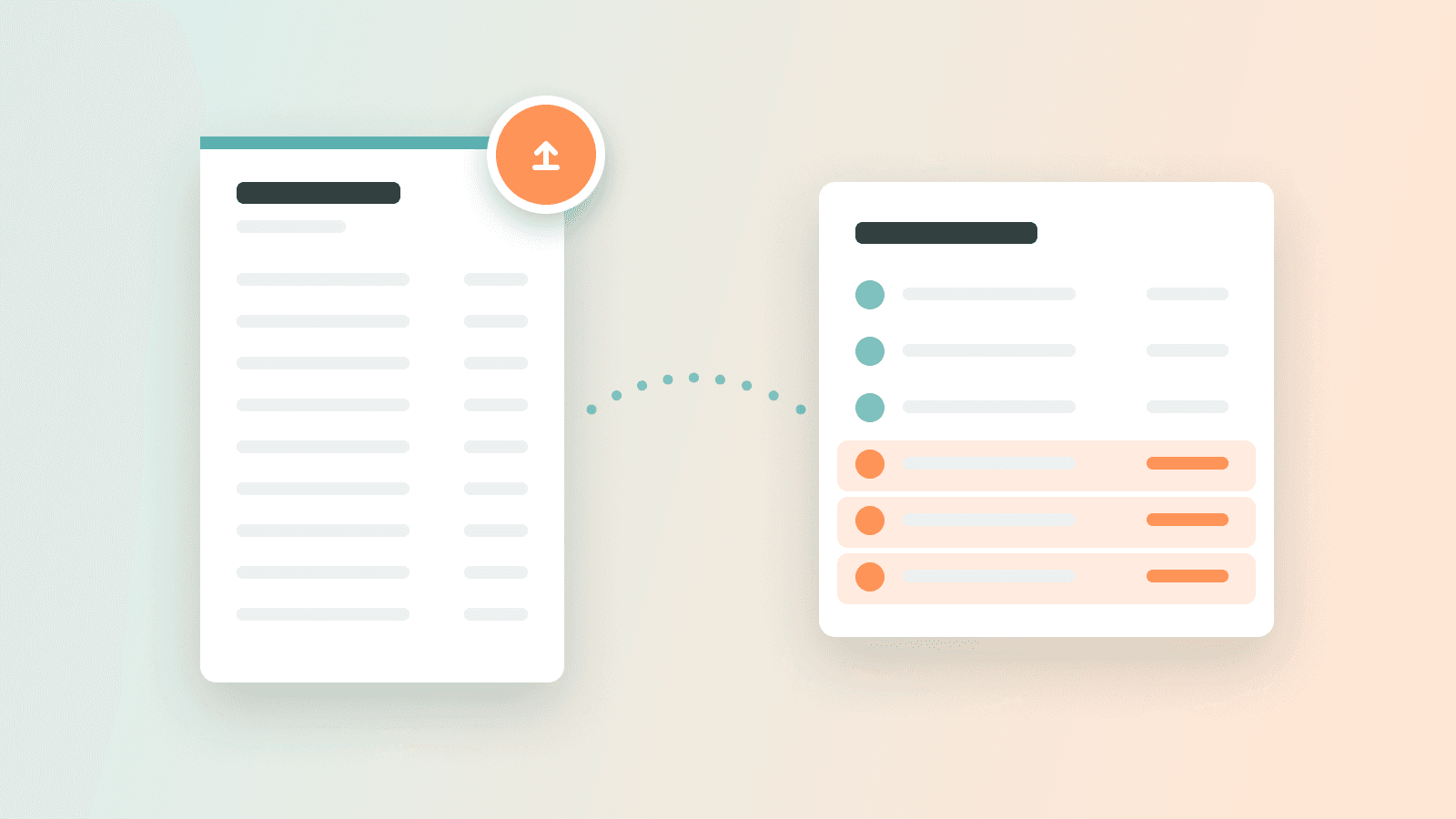
Fill the gaps in your bank history with a statement
Missing a few months on an account you already connected? Drop your PDF or CSV statement: Angel reads it, checks the balances and adds the missing transactions, with no duplicates from your bank feed. Any unreadable line is flagged instead of guessed.

August 2026
- Aug 24New featureBusiness plan· Aug 24
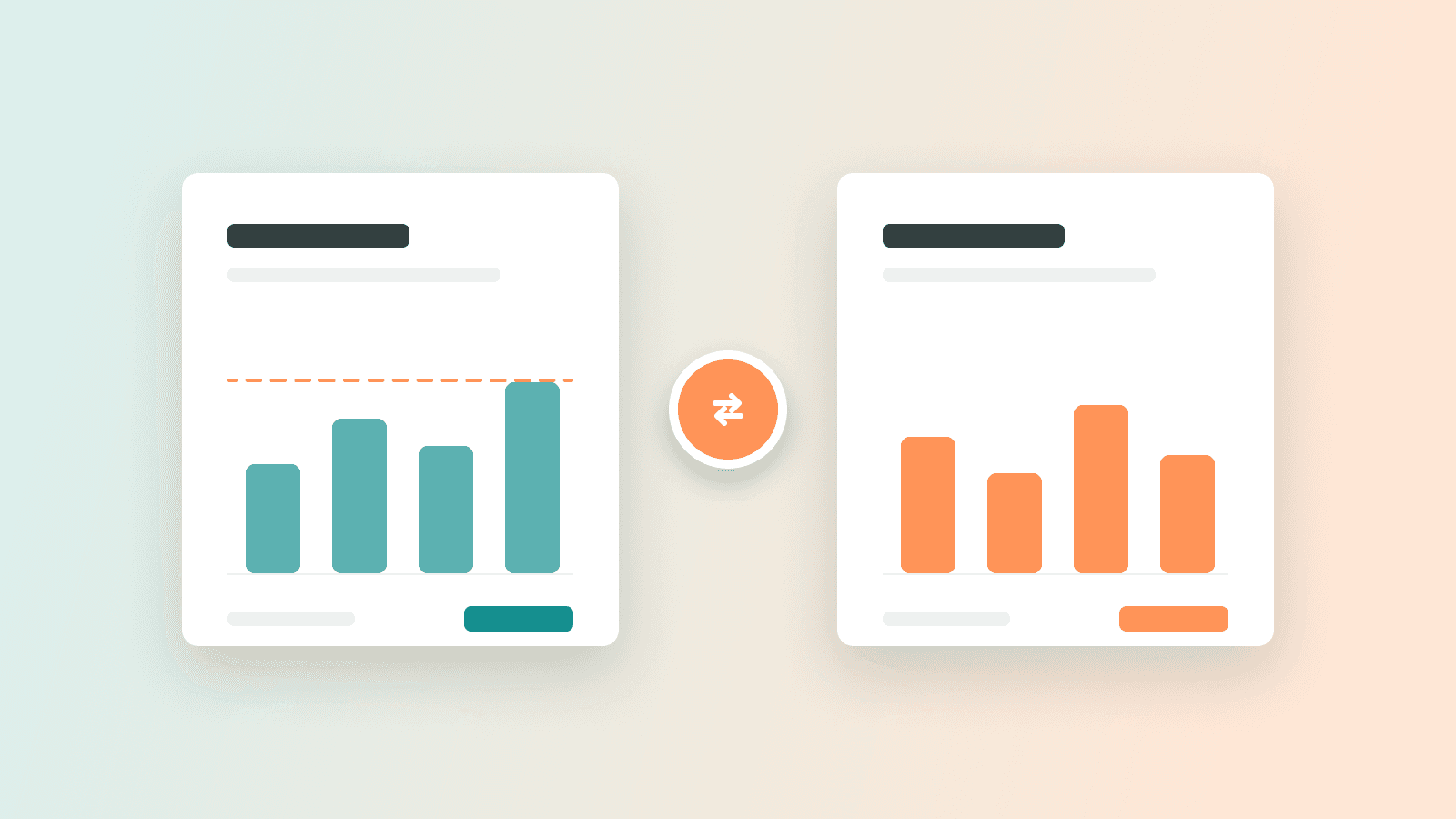
Micro-enterprise or company: compare before you choose
Enter your tax regime, your years as a micro-entrepreneur and your VAT exemption in your company settings. Your business plan then compares income tax as a micro-enterprise with corporate tax as a company, explaining its assumptions, and your dashboard tracks your contributions and warns you if your forecast goes over the micro-enterprise ceiling.
- Aug 18ImprovementGeneral· Aug 18
A clearer menu to find everything
Invoicing comes first, monitoring is grouped together, and the Bank page finally has the right name. You get around faster.
- Aug 18New featureFinancial cockpit· Aug 18
Track your hours by project
Log your hours right from a project card and watch the total add up. Handy to know what each job really costs you.
- Aug 18
- Aug 18New featureGeneral· Aug 18
Your product catalog, with stock tracking
Create your items once: price, VAT, unit. Your quotes fill themselves in, and your stock goes down with every invoice.
- Aug 18
- Aug 18
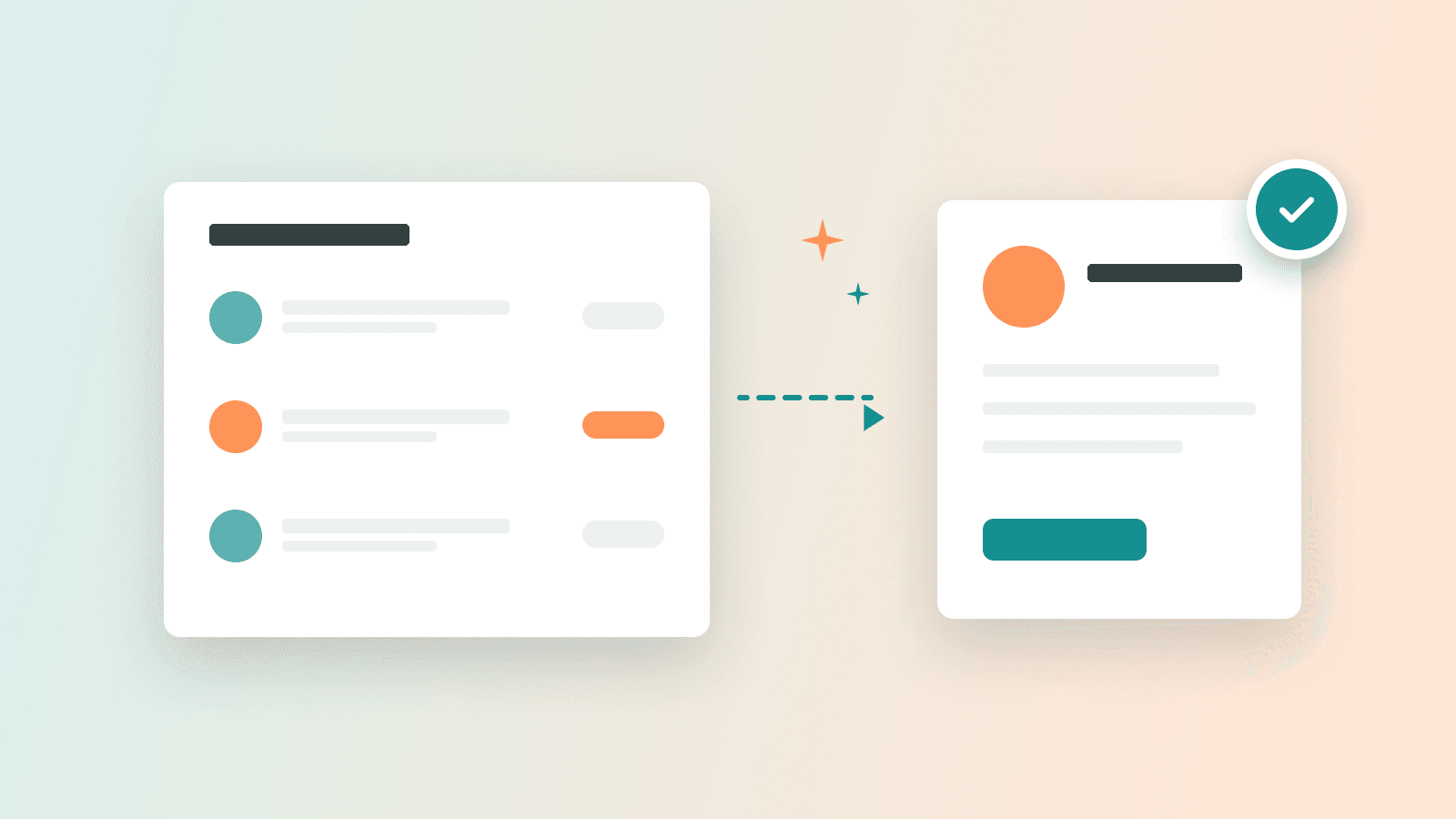
- Aug 13ImprovementFinancial cockpit· Aug 13
More comfortable tables
Long labels wrap instead of getting cut off, and you can widen columns by dragging them.
July 2026
- Jul 27ImprovementFinancial cockpit· Jul 27
Click a cell, see what's inside
In Treasury and Profitability, every cell now opens a side panel: the month's transactions, an editable forecast and a direct link to your business plan. Understand every figure without leaving the table.

- Jul 27New featureBanking· Jul 27
Fix it once, Angel applies it everywhere
When you recategorize a transaction, Angel shows you every similar one and fixes them in one go. It also learns the rule for your business, custom categories included: future transactions from that merchant will arrive correctly categorized.

- Jul 27ImprovementFinancial cockpit· Jul 27
Your cockpit menu, your order
Reorder and hide every cockpit page, Treasury included. The new “My pages” panel gathers everything that is not in the bar.

- Jul 27
- Jul 17New featureFinancial cockpit· Jul 17
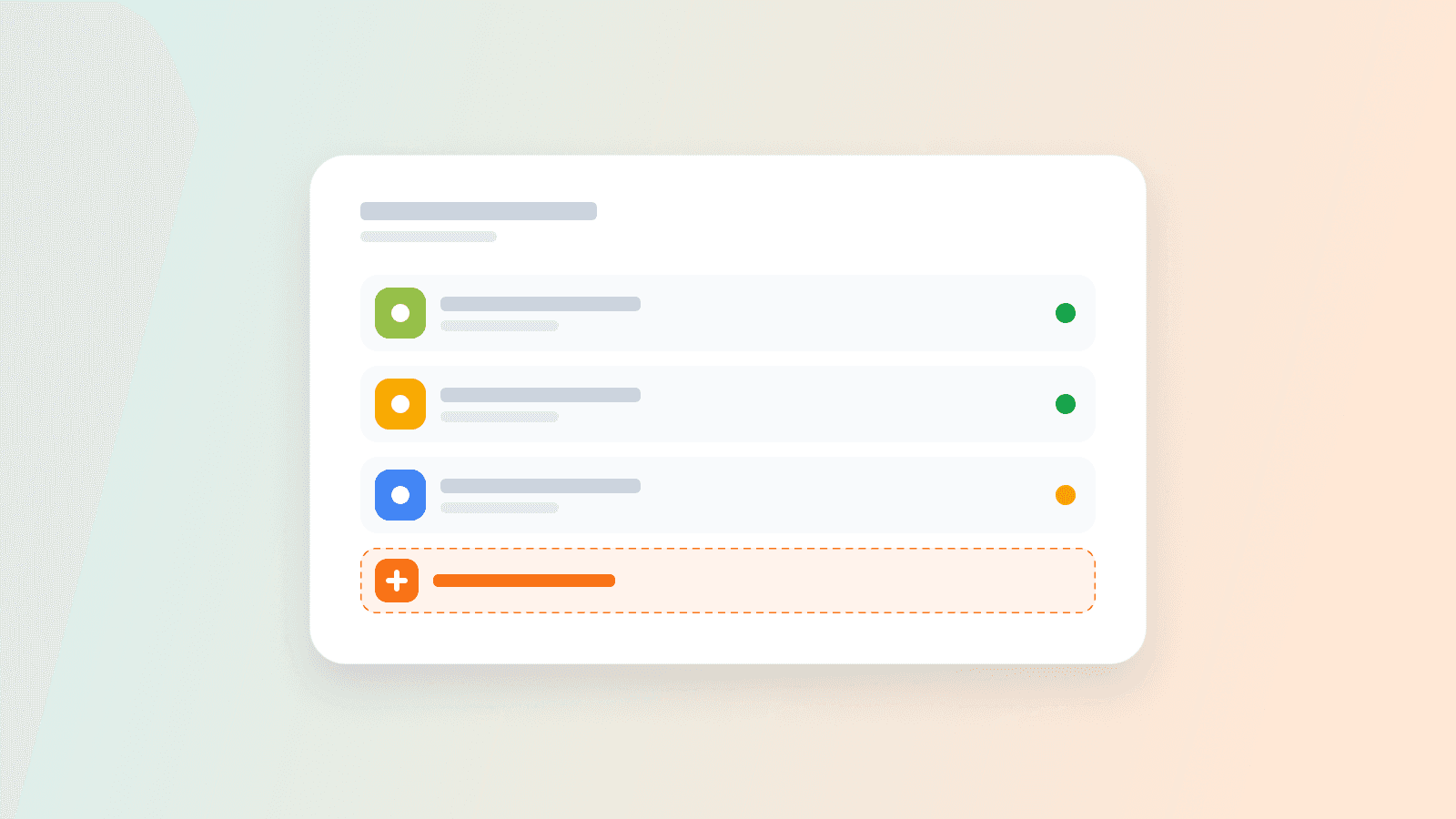
Manage all your integrations in one place
A new panel on the tracking tables page brings your integrations together: see which tables each connection feeds, resync or reconnect a source in one click, and discover the next tools to connect.
- Jul 16
- Jul 16ImprovementFinancial cockpit· Jul 16
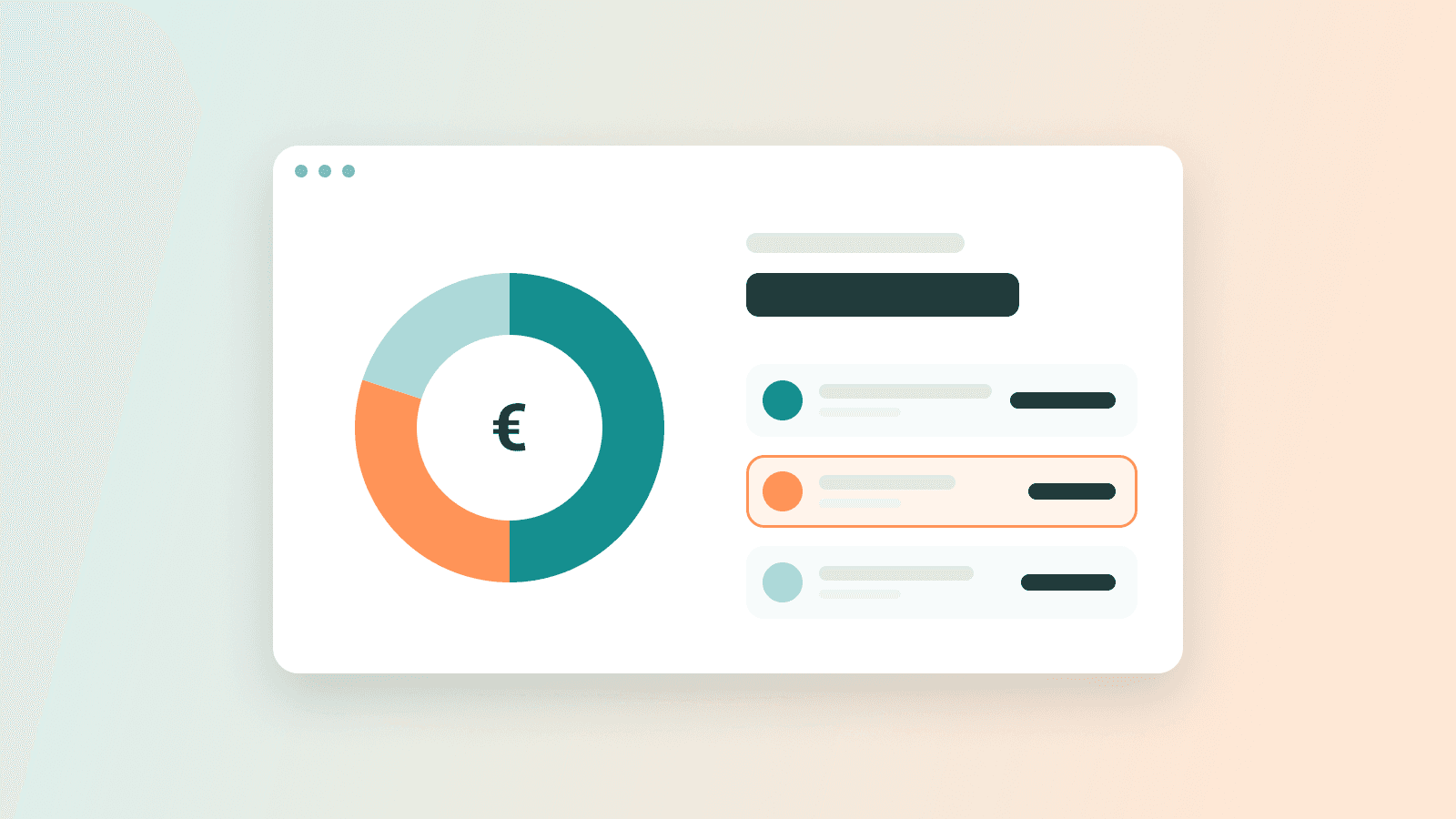
Your balance broken down by bank account
Your cash balance now shows its breakdown per account: click the balance to see each bank and its amount, right from the Treasury page header.
- Jul 15ImprovementAI· Jul 15
Angel answers much faster
We optimized the chat engine: answers now arrive noticeably faster, in the business plan and in the financial cockpit alike. Same intelligence, less waiting.

- Jul 15New featureGeneral· Jul 15
Referral is here: 1 month free, for you and your referee
Share Angel around you: everyone wins.
- Your personal link is in the account menu → “Referral”
- Your referee signs up with your link: their 1st subscription month is free, applied automatically
- As soon as they subscribe, you earn 1 month on your own subscription — for every referee
- Track your referees' status right on your Referral page

- Jul 10New featureAI· Jul 10
“Deep analysis”: the AI goes further
Under each chat answer, a new button triggers a detailed analysis: Angel takes the time to dig into your numbers and shows its reasoning as it goes. For subscribers.
- Jul 9New featureAI· Jul 9
Categorization: Angel learns from you
Categorizing your transactions gets truly smart:
- ✨ suggestions right inside the categorization modal
- Fix one transaction, and apply your correction to the whole merchant if you want
- The categorization queue is sorted by impact on your results: most important first
- New “Personal / non-business” category to cleanly exclude what doesn't belong to the company

- Jul 9New featureBanking· Jul 9
One hub for all your connections
Banks and invoice sources are now managed in one place:
- All your connections visible in a single hub
- Turn sync on or off account by account
- When a bank connection expires, reconnect in one click — no duplicates, no lost history
- Jul 9ImprovementFinancial cockpit· Jul 9
A clearer Cash flow view
A new compact header on your Cash flow page: money in, money out, balance and transactions left to categorize — over the current year by default. The essentials at a glance, details below.

- Jul 9New featureFinancial cockpit· Jul 9
New Cash flow page: everything in and out, in one place
Bank transactions and invoices used to live on two pages. They are now together:
- A single list for everything coming in and going out
- Click a row: details open in a side panel
- “AI-defined” filter to review what Angel categorized
- Sort invoices by due date, category or amount, with settlement badges
- Jul 9IntegrationBanking· Jul 9
Pennylane connected: your accounting meets your cockpit
If your accountant works on Pennylane, connect it to Angel in a few clicks:
- Your transactions sync automatically
- Your customer and supplier invoices too
- Bank reconciliation happens by itself: every invoice finds its transaction
- Your categorization stays aligned with your accounting
- Jul 8ImprovementFinancial cockpit· Jul 8
More readable tables
Revenue, Expenses and Payroll tables now show calendar-year headers and a fiscal-year total row — in the business plan and in the cockpit alike.
- Jul 7ImprovementFinancial cockpit· Jul 7
Sync without blocking
No more waiting screen during bank sync: it now runs in the background. A discreet banner shows progress, and your pages refresh by themselves when it's done.
- Jul 2New featureGeneral· Jul 2
New plans: Idea, Launch, Profitability
A plan for each stage of your project:
- Idea: structure your project and your business plan
- Launch: create your company with the AI by your side
- Profitability: steer your real activity, connected to your bank
- 7-day trial to make up your own mind
- Jul 1New featureFinancial cockpit· Jul 1
A new onboarding to start piloting
Five guided steps with Lia: connect your bank, set your forecast category by category, and land in a cockpit that's already filled in. Designed for mobile too.
- Jul 1ImprovementGeneral· Jul 1
Sign-in, redesigned and more secure
New sign-up and sign-in screens, simpler and faster. On the security side: a password strength indicator at sign-up and stronger protections against intrusion attempts.

June 2026
- Jun 30ImprovementGeneral· Jun 30
A single export center
PDF, Excel, AI analysis: all your business plan exports are grouped in a redesigned banner, clearer and quicker to reach.
- Jun 30New featureFinancial cockpit· Jun 30
The landing summary: where are you really heading?
At the top of your Profitability page, a new block shows your EBITDA and net income — actuals, plus the projection to year-end. You always know where you'll land.

- Jun 24New featureAI· Jun 24
Share documents and images in the chat
Drop a PDF, a quote or a photo into the conversation: Angel reads them and uses them to help you. Your documents stay private and attached to your project.

- Jun 18ImprovementGeneral· Jun 18
Pick up exactly where you left off
Angel automatically reopens the last page you visited, and every page now has its own address: links can be shared and survive a refresh.
- Jun 16ImprovementFinancial cockpit· Jun 16
More accurate VAT and payroll in cash flow
The cash flow table now breaks down VAT (amounts incl. tax) and separates net salary from payroll charges — your cash flow sticks closer to reality.
- Jun 11New featureAI· Jun 11
The chat pilots your cockpit
The cockpit chat becomes a real copilot:
- Ask it to open any section, it takes you there
- It edits your cells and creates custom tables on request
- Every write goes through your validation: one approval card per change, nothing moves without you
- Jun 5New featureFinancial cockpit· Jun 5
Piloting: your company, for real
After the business plan, Angel follows you into your company's real life:
- Your real cash flow, connected to your bank
- A P&L that builds itself as your transactions come in
- Automatic categorization of your expenses and income
- Your forecast and your actuals side by side, to spot the gap instantly

- Jun 3New featureBanking· Jun 3
Manual transactions
No connected bank, or cash movements? Add transactions by hand, set an opening balance, and attach each operation to the right month — even spread over several months.
- Jun 2New featureAI· Jun 2
Try Angel without an account
A demo chat is open on the public site: ask questions about your project, no sign-up needed. And if you create your account, the conversation follows you into your business plan.

May 2026
- May 20ImprovementAI· May 20
A nicer chat
New bubbles, visible AI actions while it works, and voice dictation to talk to Angel instead of typing.